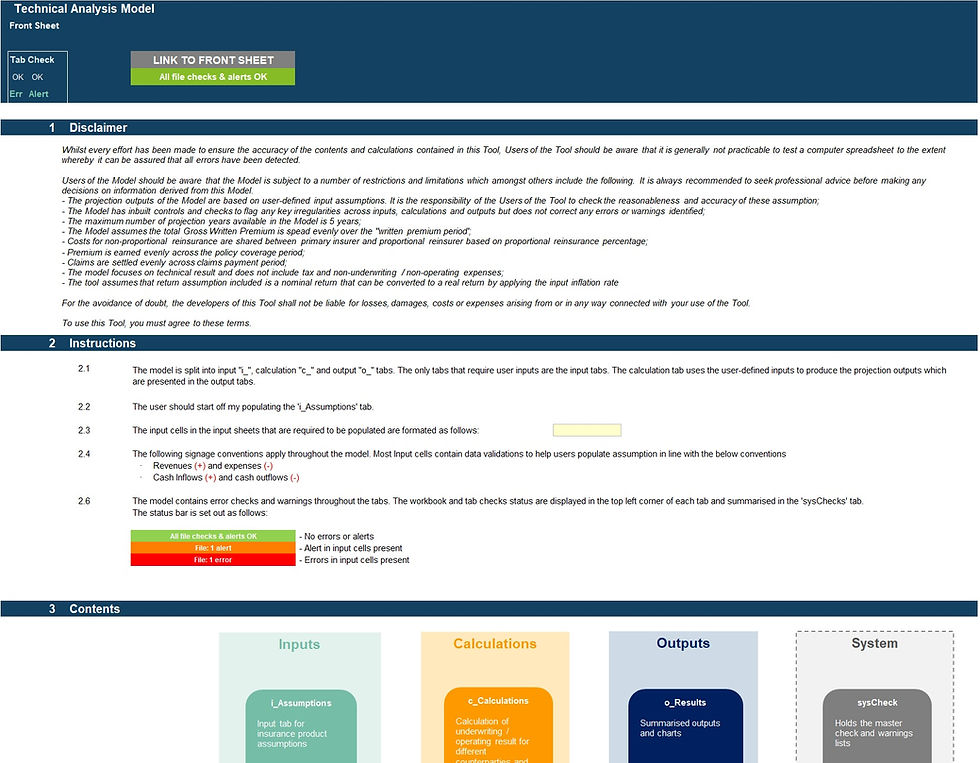
MODEL OVERVIEW
A user-friendly Excel calculator designed to calculate depreciation and amortisation on a straight-line basis. The model automatically computes depreciation charges, cost and accumulated depreciation balances, cash impacts, and gains or losses on disposal for any selected month-end. It is built to streamline depreciation accounting and serves as a robust supporting working file for General Ledger postings.
Developed in line with best-practice financial modelling standards, the tool includes clear instructions, line item explanations, built-in checks, and input validations to ensure accuracy and ease of use. KEY OUTPUTS
This is a flexible, non-industry-specific tool.
Year-to-date (YTD) depreciation expense at the selected month-end
YTD gain or loss on asset disposals
Cost and accumulated depreciation balances at the selected month-end
Cumulative cash impact
Visual chart showing depreciation trends over the financial year
Chart comparing Cost vs Net Book Value (NBV) throughout the year
Asset class breakdown in table and chart format
KEY INPUTS Setup Inputs:
Business name
Reporting currency
Financial year
Latest month-end
Asset categories (up to 10 fully customisable categories)
Useful life per asset category
Asset-Level Inputs (up to 150 assets):
Asset category classification
Asset description
Supplier
Invoice number
Addition date
Addition amount
Estimated residual value
Payment reference number
Disposal date (if applicable)
Disposal proceeds (if applicable)
Disposal receipt reference (if applicable)
KEY FEATURES
Built in line with financial modelling best practices
Straight-line depreciation methodology
Fully customisable business details, reporting currency, financial year, and asset categories
Asset categorisation (up to 10 categories), each with independent useful lives
Automated monthly calculations for depreciation, balances, cash flows, and disposal impacts
Forward-looking projections using data tables to analyse full-year impacts
Capacity for up to 150 assets (extendable on request)
Comprehensive instructions, line item explanations, and input validations
Centralised checks dashboard to quickly identify and resolve errors
Limitations:
Single-currency model (no multi-currency functionality)
Straight-line depreciation only
MODIFICATIONS & SUPPORT
If you require any be-spoke modifications or support, we are more than happy to assist. Please send us a message below or contact us on hello@useprojectify.com